Getting our kids to practice spelling words—sometimes it feels like pulling teeth. We know spelling practice has to happen, but it doesn’t have to be busy work! I’m sharing 4 strategies to spice up your spelling routine!
A Note About Spelling Programs…My Personal Favorite:
Before we jump into the 4 strategies, I have to tell you — the spelling program I used with my 3 oldest kids is definitely a keeper!
As homeschool moms, we all have a few curriculum favorites—the ones that really stand out and become our go-to choices year, after year. Spelling Power is on my short list.
I love it because Spelling Power meets your kids exactly where they are…the entire book provides spelling instruction for 8 year olds to adults. Diagnostic pre-tests are provided in the book, and you start at the level which best meets your child’s needs (levels are not assigned by grade—so no embarrassment about being behind “grade-level”).
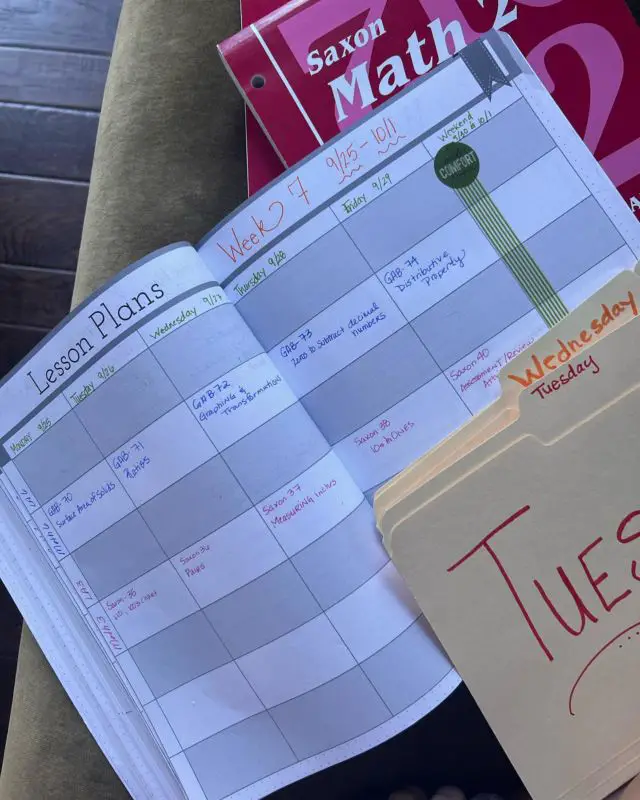
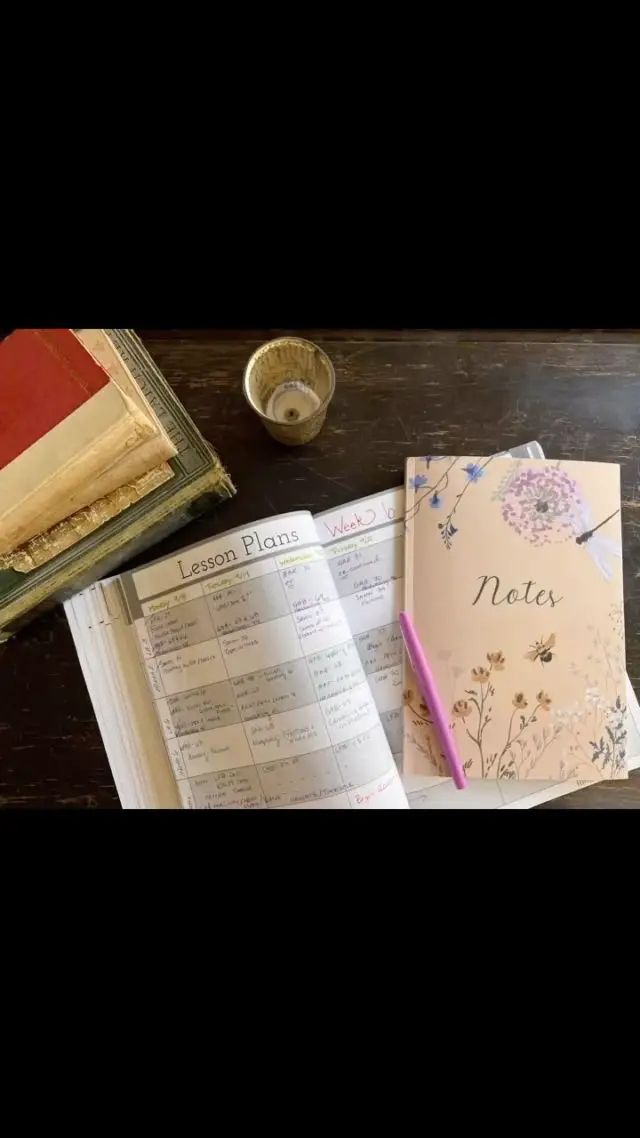
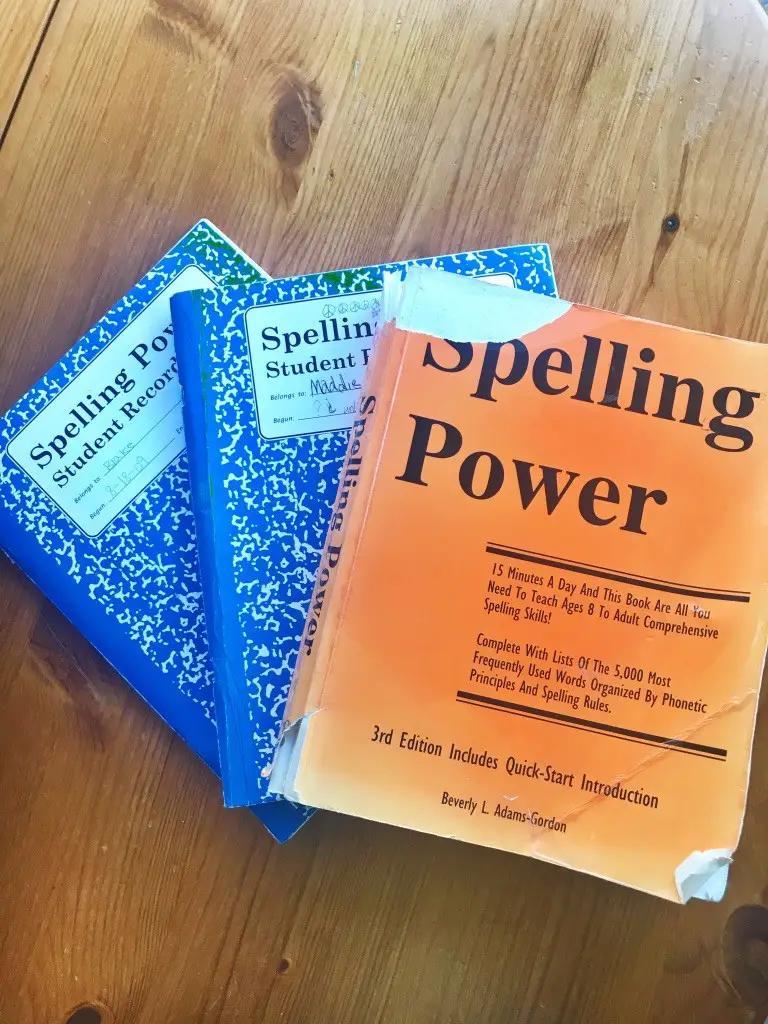
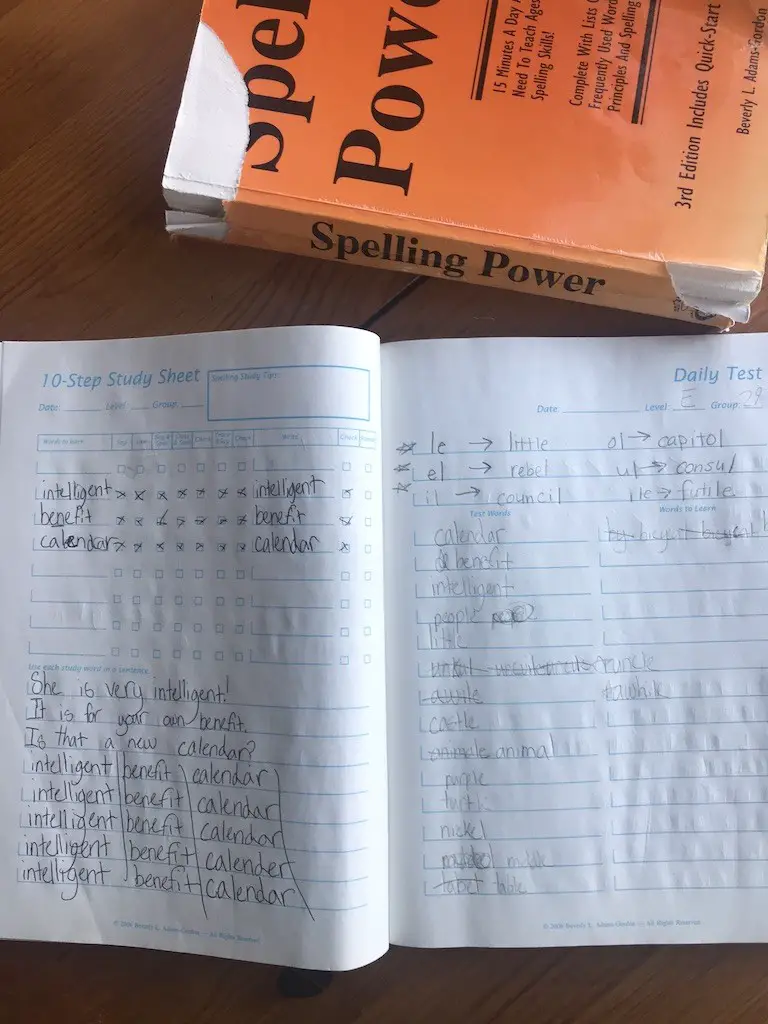
I also love that one book is all I ever need to teach all my kids spelling—purchase it once and you’re set! And to top it off—no busy work; kids only practice words they don’t know, and the lessons only take 15 minutes! Here’s a picture of our well-loved old copy (a newer edition is now available). I’ve also included pictures below of the optional workbook–I thought they were helpful for keeping things organized and on-track.
**Update September 2024…
I still think Spelling Power is a great option–definitely one you should explore.
BUT–if you have a child really struggling with spelling (I have one of those–my 13 year old son!)…You may need some other options!
We’ve tried All About Spelling (I adore the reading program from the same publisher of All About Reading!!) However, the program felt a little too slow, especially for an older student. I think it may be a great fit for my twins. But it just wasn’t sticking with son…
Currently we’re using Sequential Spelling–and I finally feel like we’re making progress!! In addition to the teacher’s guide, we have the student workbook–but honestly my son prefers writing the words on a white board…so it’s not necessary!
4 Spelling Practice Strategies
1) Spelling Flip-Folder
I learned about spelling flip-folders back when I taught 2nd grade—and thought they were genius!
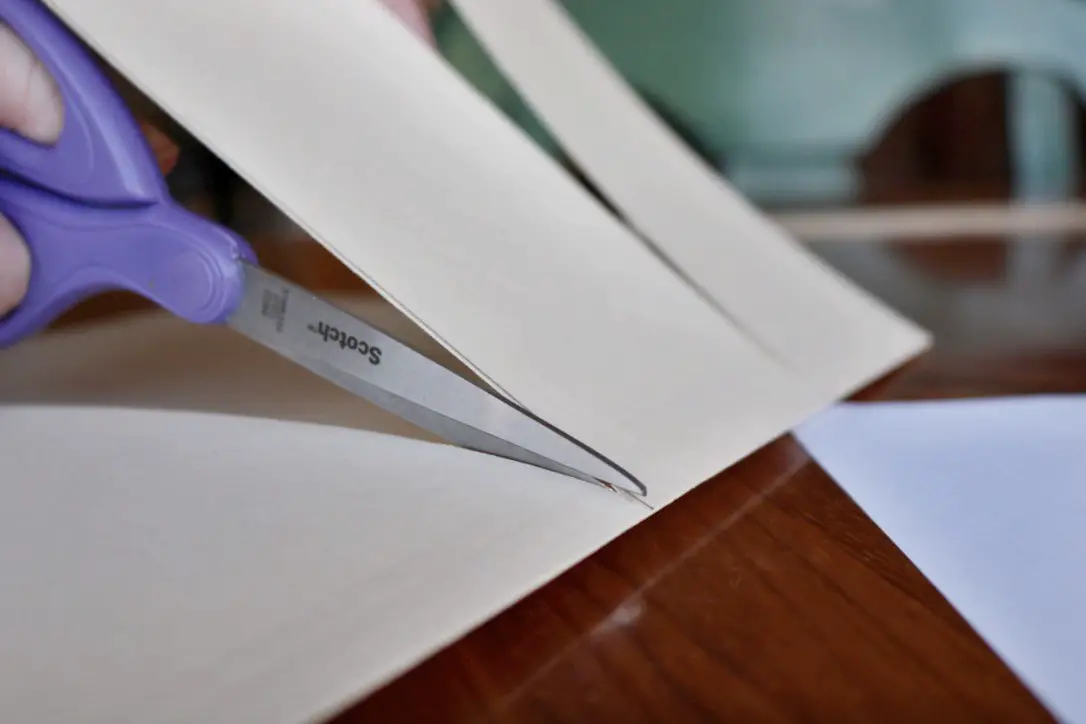
They are super easy to make! Go grab a manila folder. Cut two lines on the front, so that the cover is divided into thirds:
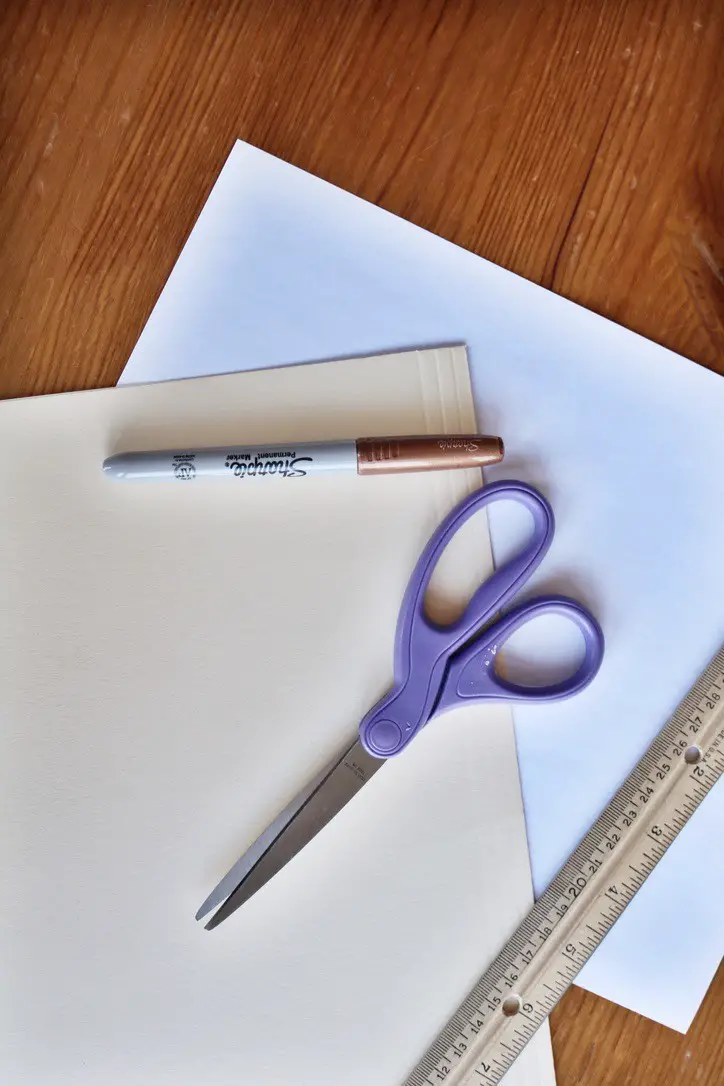
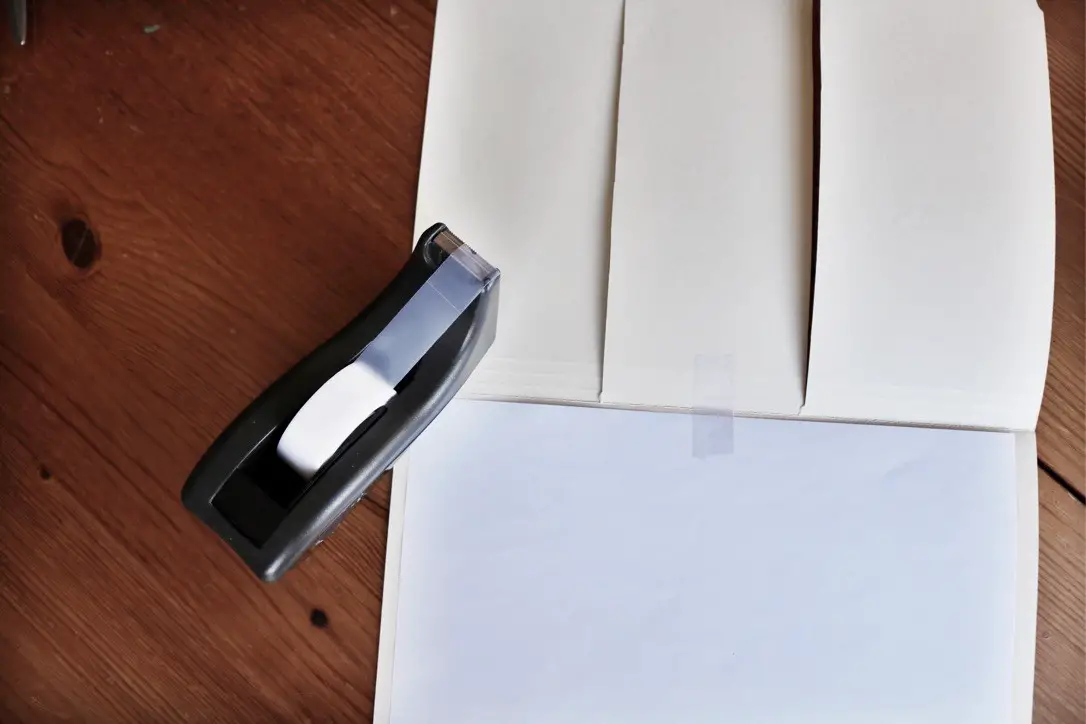
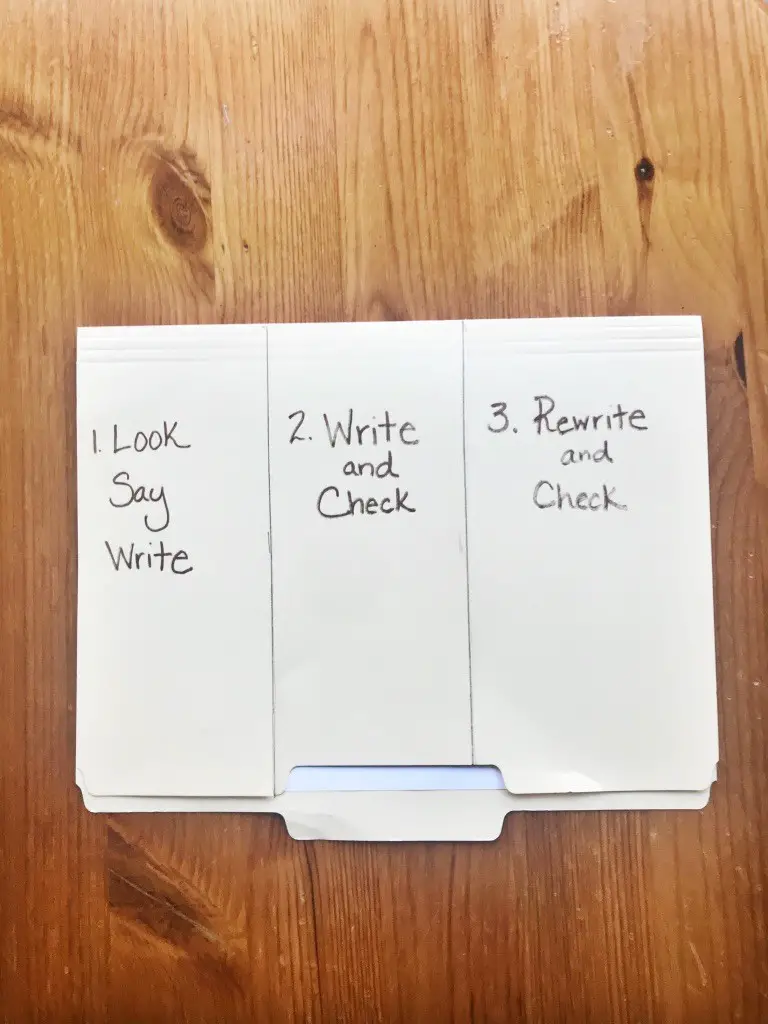
Write on the sections:
- Look, Say, Write
- Write and Check
- Rewrite and Check
Directions:
1. Provide your child their list of words to practice. While looking at the list, your child will say the words, verbally spell the words, and write the words under the first flap.
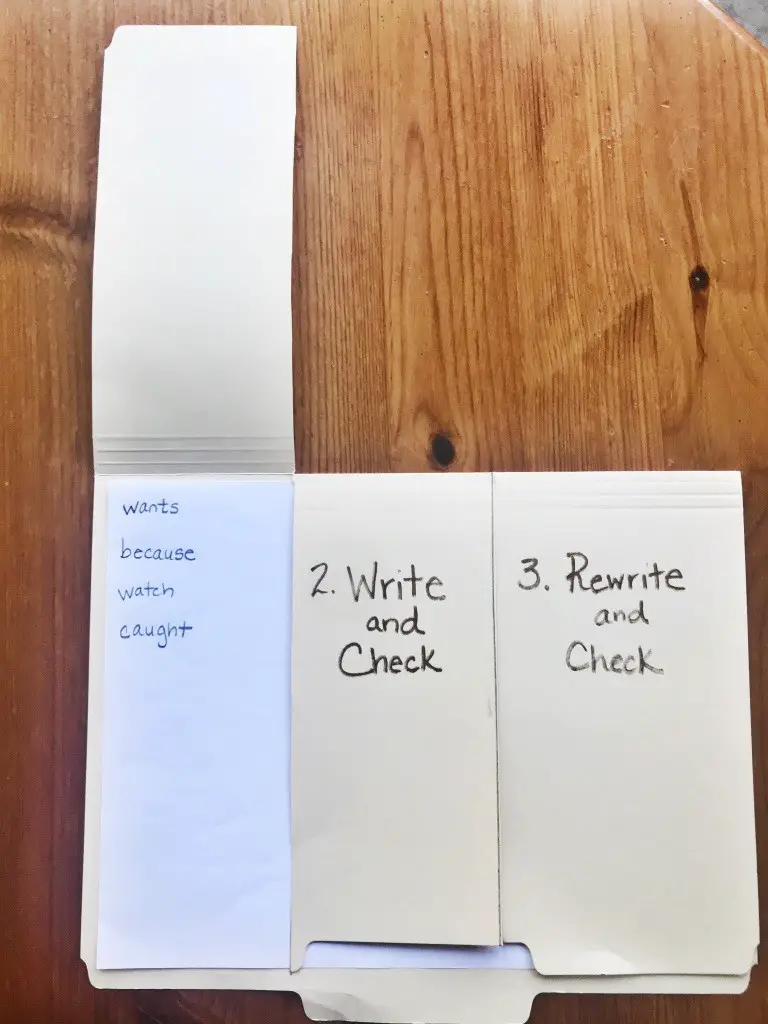
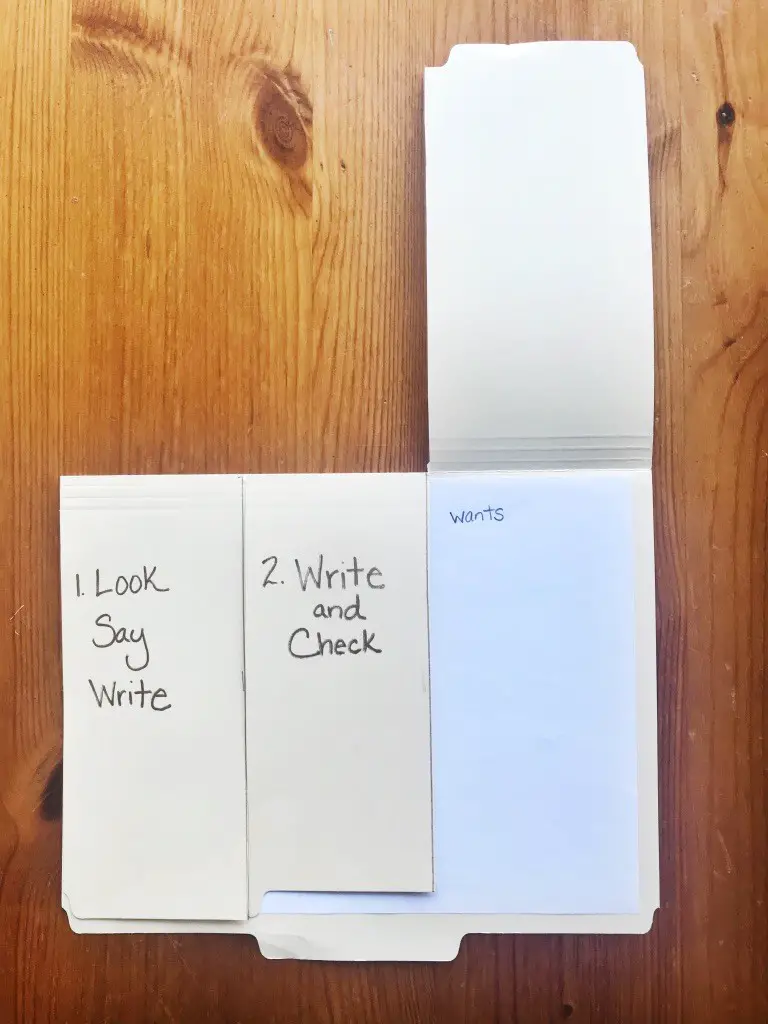
2. See what word is first/next to be practiced under the first flap. Then close the flap and cover the words. Now, without looking, your child writes the word under the second flap. They open the first flap and check to see if they spelled the word correctly. Fix any mistakes immediately.
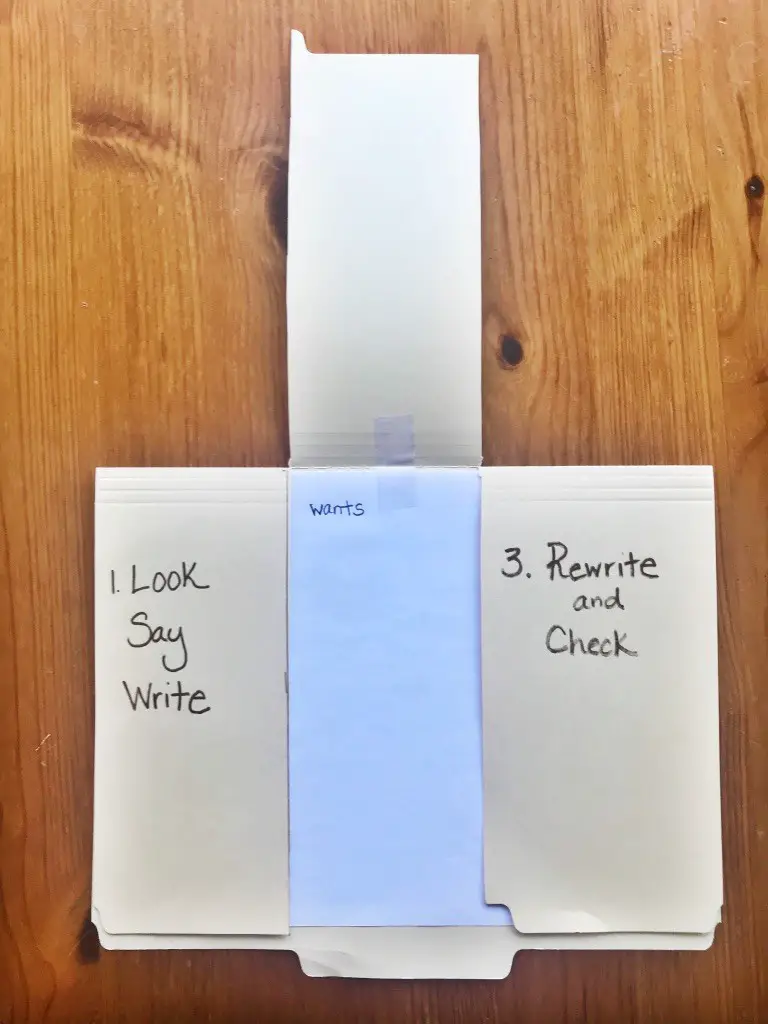
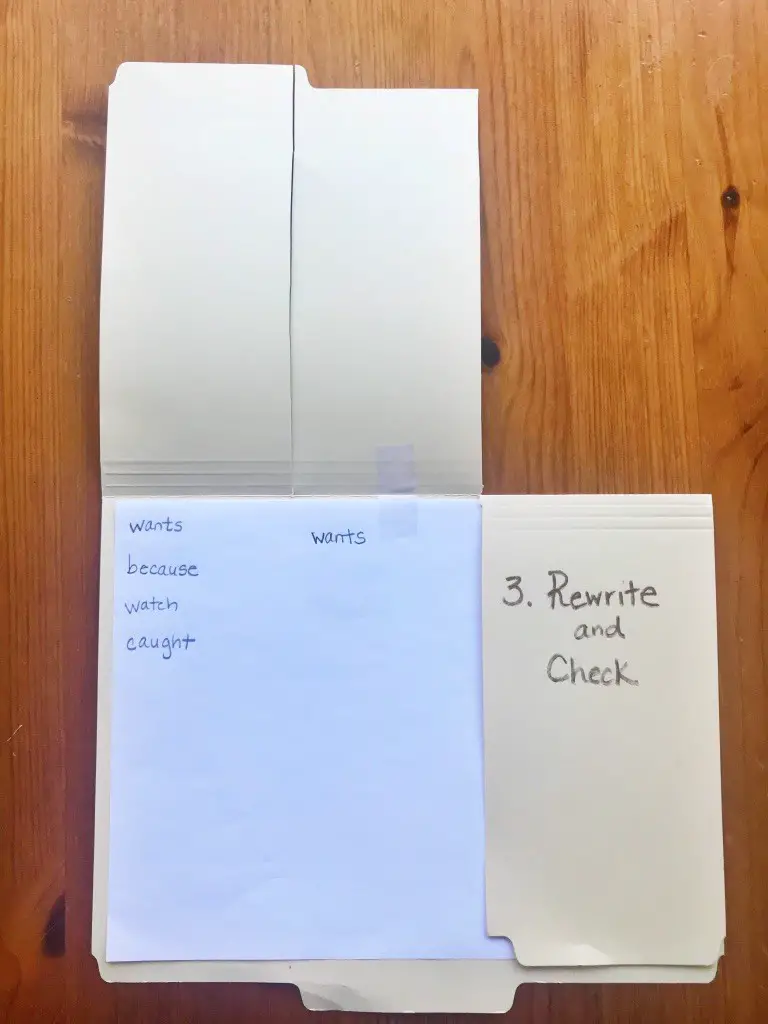
3. Cover the words again. Open the third flap, and your child will rewrite the word. Finally checking for accuracy by opening the first flap again.
2) Spelling Games
Nothing like changing up the routine with a game!
Old school games like “Hangman” are easy enough to create at the last minute…
Or pull out your Scrabble board…Our favorite spelling game is Bananagrams!
3) Education.com
I just recently discovered education.com—and was so impressed! Once you register (which is VERY quick and painless)—you immediately are able to access a huge library of free content and education tools.
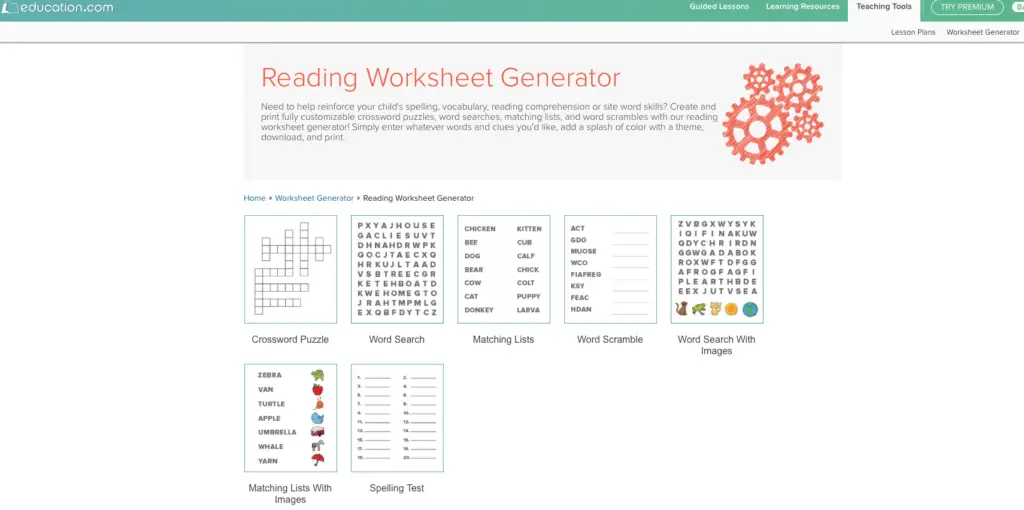
My favorite tool is the Worksheet Generator (Located under the Teaching Tools tab at the top). You can very quickly create customized crosswords, word searches, word scrambles, and more! (Older children can even create the worksheets for themselves!) These are perfect for extra spelling practice!
4) Your Computer—Word Processing Program
I really like to integrate computer skills into core academic activities. Kids find the computer engaging, it gives them a break from physically writing (which some children truly find challenging), and they are able to master computer skills while practicing other learning objectives.
My kids got their very first experiences creating “documents,” by typing spelling words. I would have them play with fonts—styles and colors. They would practice centering, left-aligning, right-aligning, bolding, italicizing, adding images, etc…They really had fun with short bursts of mini-computer lessons mixed in with spelling practice!
Nothing quite like the computer to make kids forget they are actually practicing their spelling words!
Mix it Up!
Spelling practice doesn’t have to be boring or super time-consuming! These are just a few ideas to get you started…What fun and unique ways are your kids practicing spelling? I’m always looking for new activities to add to my “teacher toolbox!”
With Love,
Jen xo
P.S. Follow me on Pinterest—you’ll find lots of great activities to mix into your homeschool!